Choosing a monitor or projector cable starts with a simple question: which end sends the signal, and which end receives it? A modern laptop or streaming player outputs HDMI, while many older projectors and displays only accept VGA. Retro gaming consoles add another layer, because their analog outputs need a dedicated adapter before they appear on an HD screen. The four products below cover HDMI-to-VGA, VGA-to-HDMI, and two console-specific HDMI routes.
Quick take
If your source is HDMI and your display is VGA, the Compact 3 Feet HDMI to VGA Cable is the simplest match. If your source is VGA and your display is HDMI, the LOT VGA to HDMI Adapter with Audio handles that direction. For Sega Saturn or Original Xbox owners, the CE Compass adapters put each console on an HD TV, monitor, or projector.
Listed price comparison
| Product | Listed price | Price bar |
|---|---|---|
| Compact 3 Feet HDMI to VGA Cable | USD 16.99 | |
| Sega Saturn HDMI Adapter | USD 22.99 | |
| Original Xbox HDMI Adapter | USD 23.99 | |
| LOT VGA to HDMI Adapter with Audio | USD 129.44 |
Decision matrix
| Product | Works best when | Keep in mind |
|---|---|---|
| Compact 3 Feet HDMI to VGA Cable | You need an HDMI source to reach a VGA monitor or projector | One-way HDMI-to-VGA conversion |
| Sega Saturn HDMI Adapter | You want Sega Saturn gameplay on an HD display | Specific to Sega Saturn consoles |
| Original Xbox HDMI Adapter | You want original Xbox gameplay on an HD display | Specific to original Xbox consoles |
| LOT VGA to HDMI Adapter with Audio | You need a VGA source to reach an HDMI display | Needs micro-USB power; includes 3.5mm audio input |
Product notes
Compact 3 Feet HDMI to VGA Cable
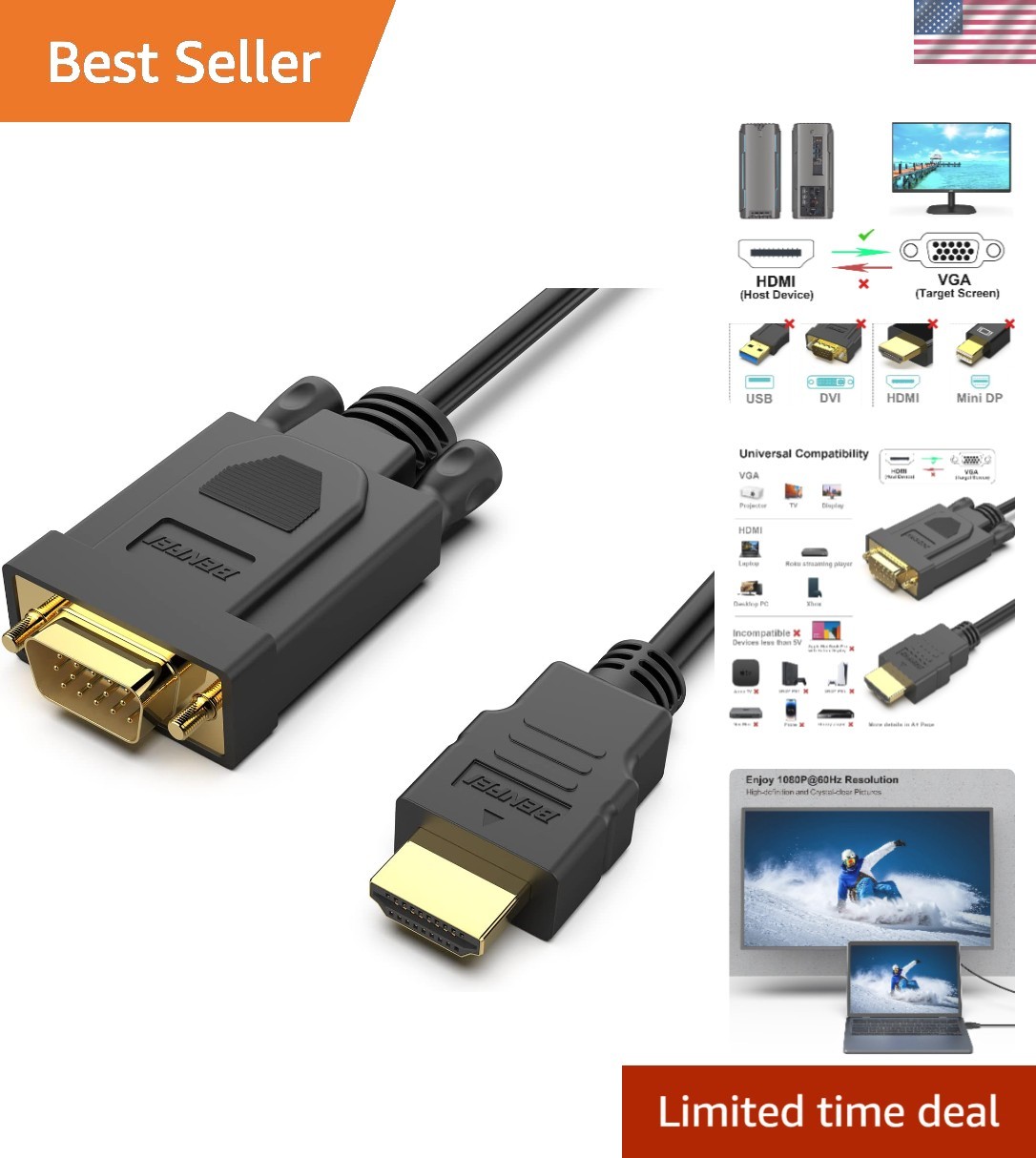
This 3-foot adapter cable is a direct fit for an HDMI source that needs to reach a VGA monitor, projector, or HDTV. It is compatible with computers, laptops, gaming consoles, Raspberry Pi, Roku, Xbox, and similar HDMI devices. The built-in IC chip performs the HDMI-to-VGA conversion, and the compact length is easy to pack for presentations. The cable converts in one direction only, so it cannot carry a VGA source to an HDMI display. The 3-foot length keeps cable clutter down.
Sega Saturn HDMI Adapter
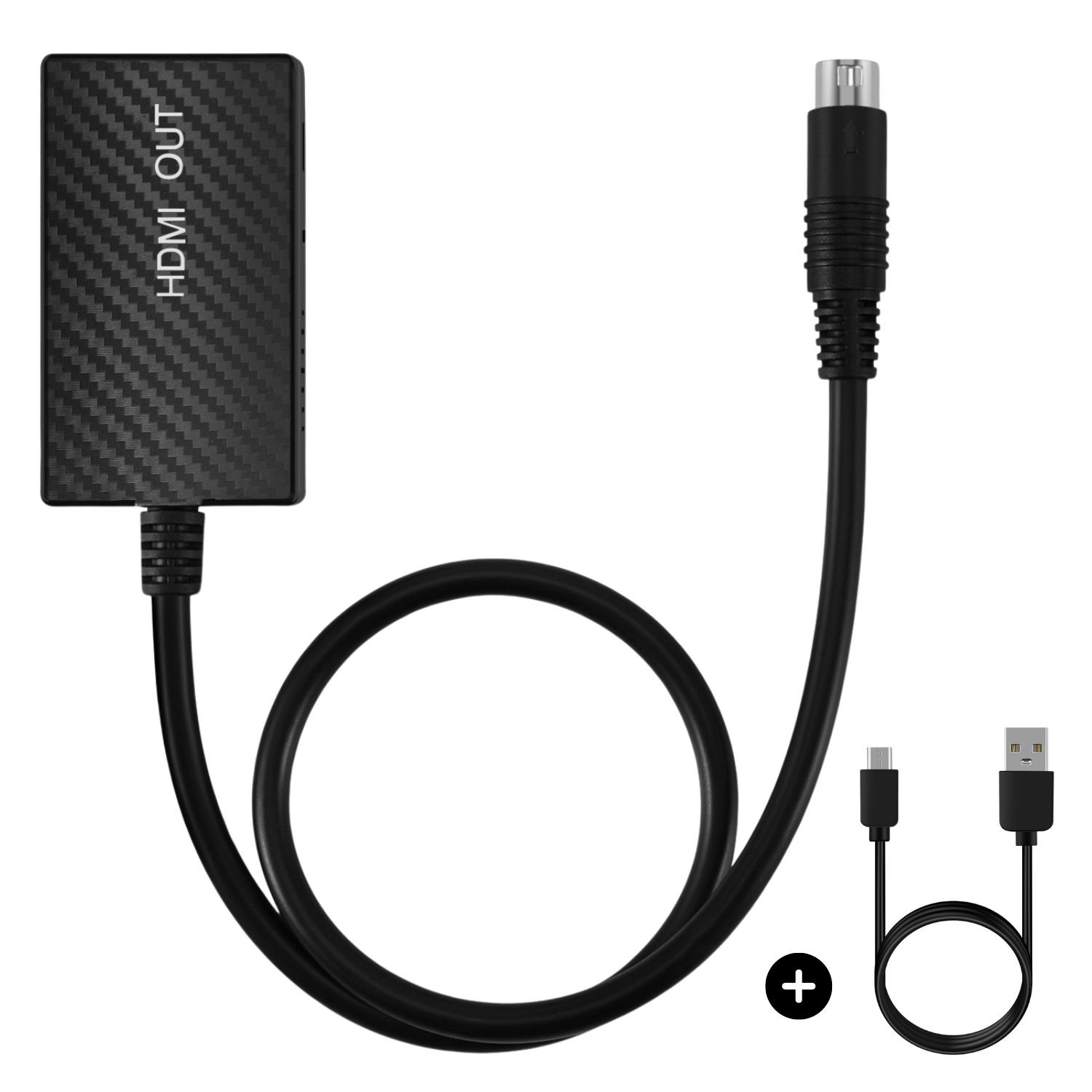
Owners of a Sega Saturn get a dedicated HDMI path to HD TVs, computer monitors, and projectors. This CE Compass adapter is designed for that specific console, so it avoids the guesswork of a generic converter. Its compact 5.5-inch length and 3.94-inch width keep it easy to place behind the system. The trade-off is equally specific: it is not a universal HDMI/VGA bridge, and it won't help with modern laptops or other game systems. If the goal is moving a Saturn to a current display, this is the direct route; a general-purpose adapter would be the better tool for that task.
Original Xbox HDMI Adapter
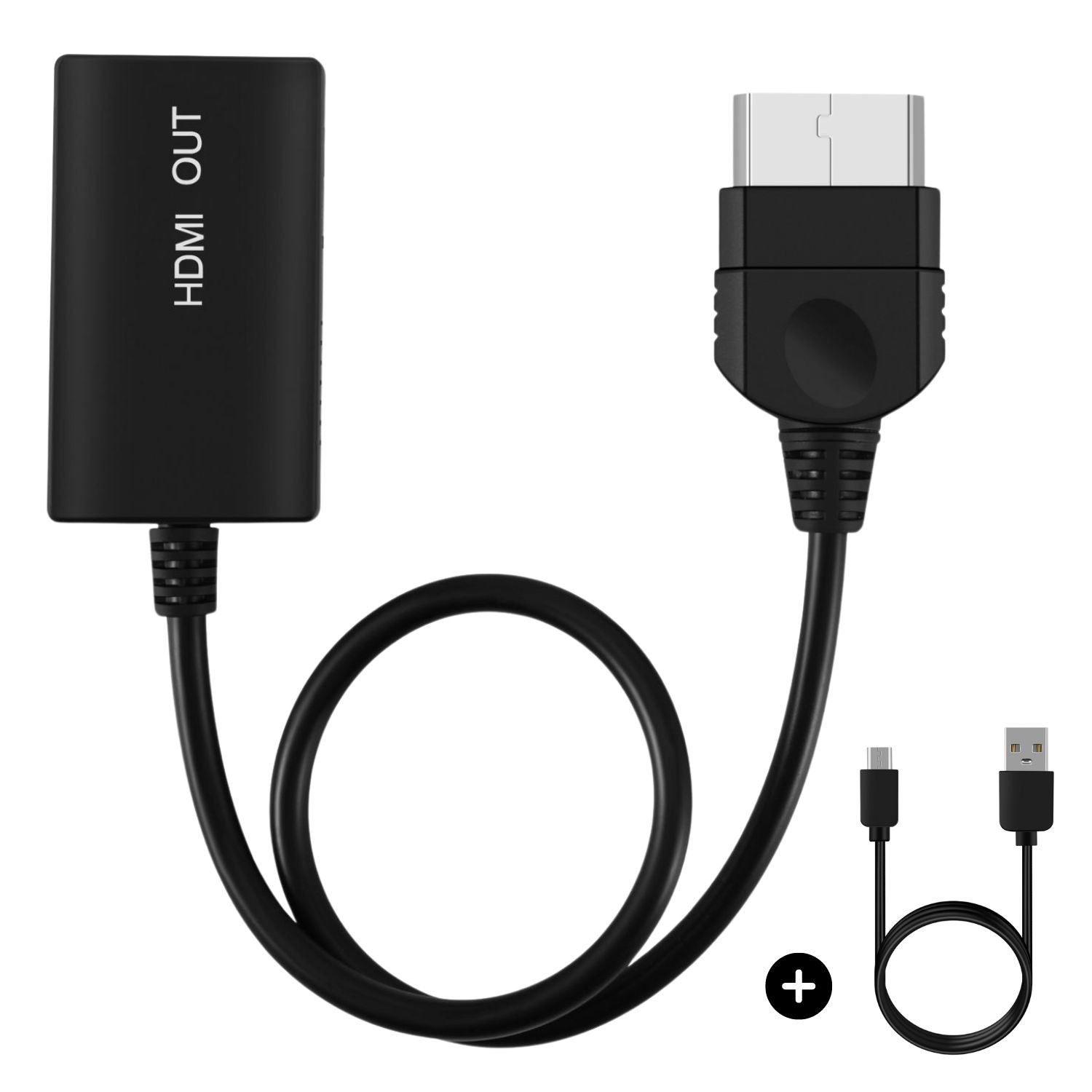
The original Xbox can connect to an HD TV, monitor, or projector with this CE Compass HDMI adapter. Because it is tailored to that console, it is a straightforward option for moving the system to a modern display. The limitation is that it is console-specific; it won't convert VGA sources or adapt other retro consoles. The adapter is a video game cable and not a general-purpose HDMI/VGA converter, so it should be chosen only when the source is an original Xbox. For anyone with that console, this cable removes the need for separate converters or odd cable combinations.
LOT VGA to HDMI Adapter with Audio
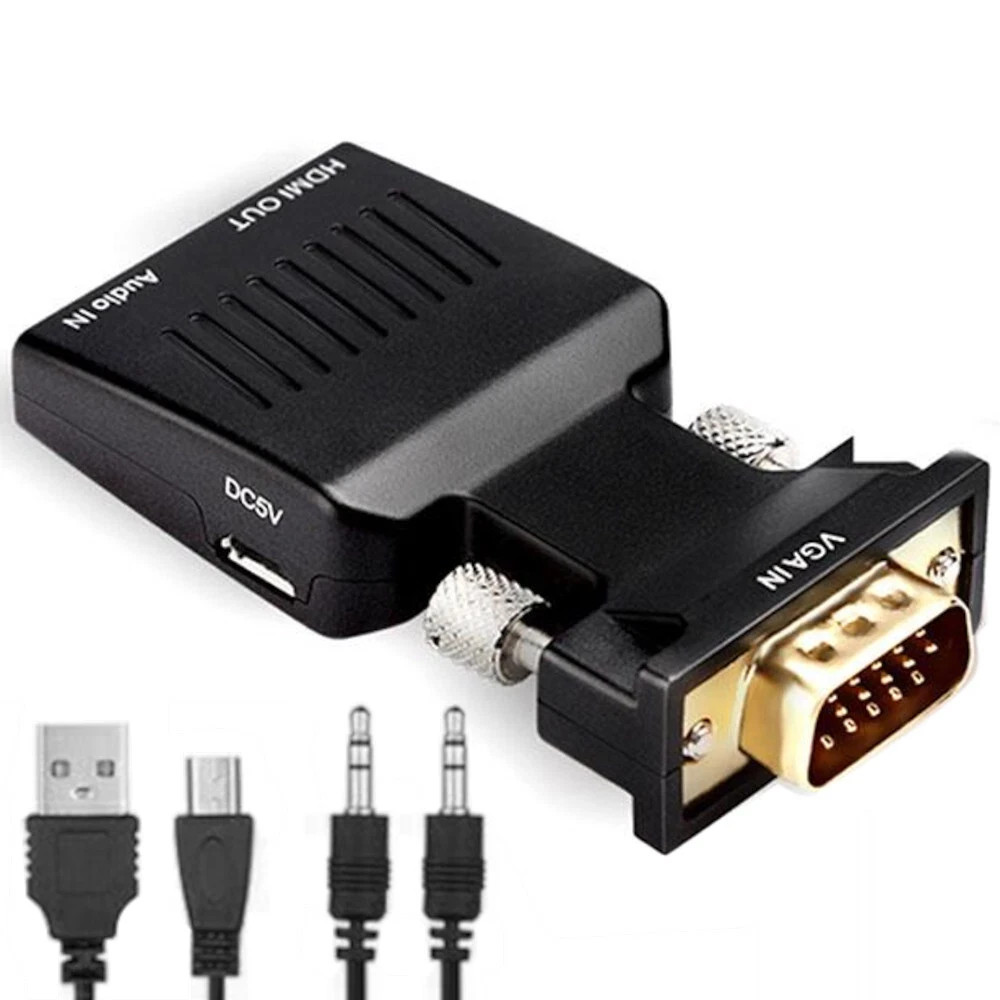
This active converter accepts VGA input and outputs HDMI, supporting resolutions up to 1080p. It covers the VGA-to-HDMI direction when you want to send an older computer's analog output to an HDTV, monitor, or projector. The adapter includes a 3.5mm audio input for sound from the VGA source, is powered through micro-USB, and is driver-free. The 1:1 connection split means one input goes to one output, so it is not designed to duplicate or split a signal. It is a one-way converter, so it will not send an HDMI source to a VGA display. The package includes the adapter, an AUX cable, and a micro-USB power cable.
Final recommendation by use case
- HDMI laptop or streaming device to a VGA projector: Choose the Compact 3 Feet HDMI to VGA Cable. It is small, straightforward, and matches the HDMI-to-VGA direction.
- VGA computer to an HDMI TV, monitor, or projector: Choose the LOT VGA to HDMI Adapter with Audio. It covers the VGA-to-HDMI direction.
- Sega Saturn to a modern display: Choose the Sega Saturn HDMI Adapter for a purpose-built connection.
- Original Xbox to a modern display: Choose the Original Xbox HDMI Adapter for a console-specific connection.