Choosing a computer peripheral often comes down to matching the tool to the machine you already own. Maybe you need a replacement keyboard for a Dell laptop, a wireless desktop keyboard, or a way to bring ports to the front of a computer. These four options cover those three jobs, with listed prices from USD 20.99 to USD 44.99.
Quick take
Two of the four options are Dell-compatible replacement keyboards at the lower end of the price range. The Antec Easy USB front bay add-on sits in the middle as the only option designed to add two ports to the front of a computer. The Logitech K350 Comfort Wave is the highest-priced pick and includes a USB dongle.
Listed price comparison
| Product | Listed price | Price bar |
|---|---|---|
| Durable USB Replacement Keyboard for Dell Inspiron 15/17 - Easy Installation | USD 20.99 | |
| Dell Laptop Replacement Keyboard - No Backlight | USD 20.99 | |
| Antec Easy USB "Connect 2 USB Peripherals To Front Of Computer" New Sealed 5.25 | USD 35.99 | |
| Logitech K350 Comfort Wave Wireless Keyboard with USB dongle tested Excellent | USD 44.99 |
What to choose when
- You need a replacement keyboard for a compatible Dell laptop: choose either of the two lower-priced keyboards and compare their compatibility model lists.
- You want front-mounted USB ports for a desktop with a 5.25-inch bay: the Antec Easy USB is the one designed for that.
- You want wireless comfort typing with extra keys: the Logitech K350 is the option to consider.
Product breakdown
Durable USB Replacement Keyboard for Dell Inspiron 15/17 - Easy Installation
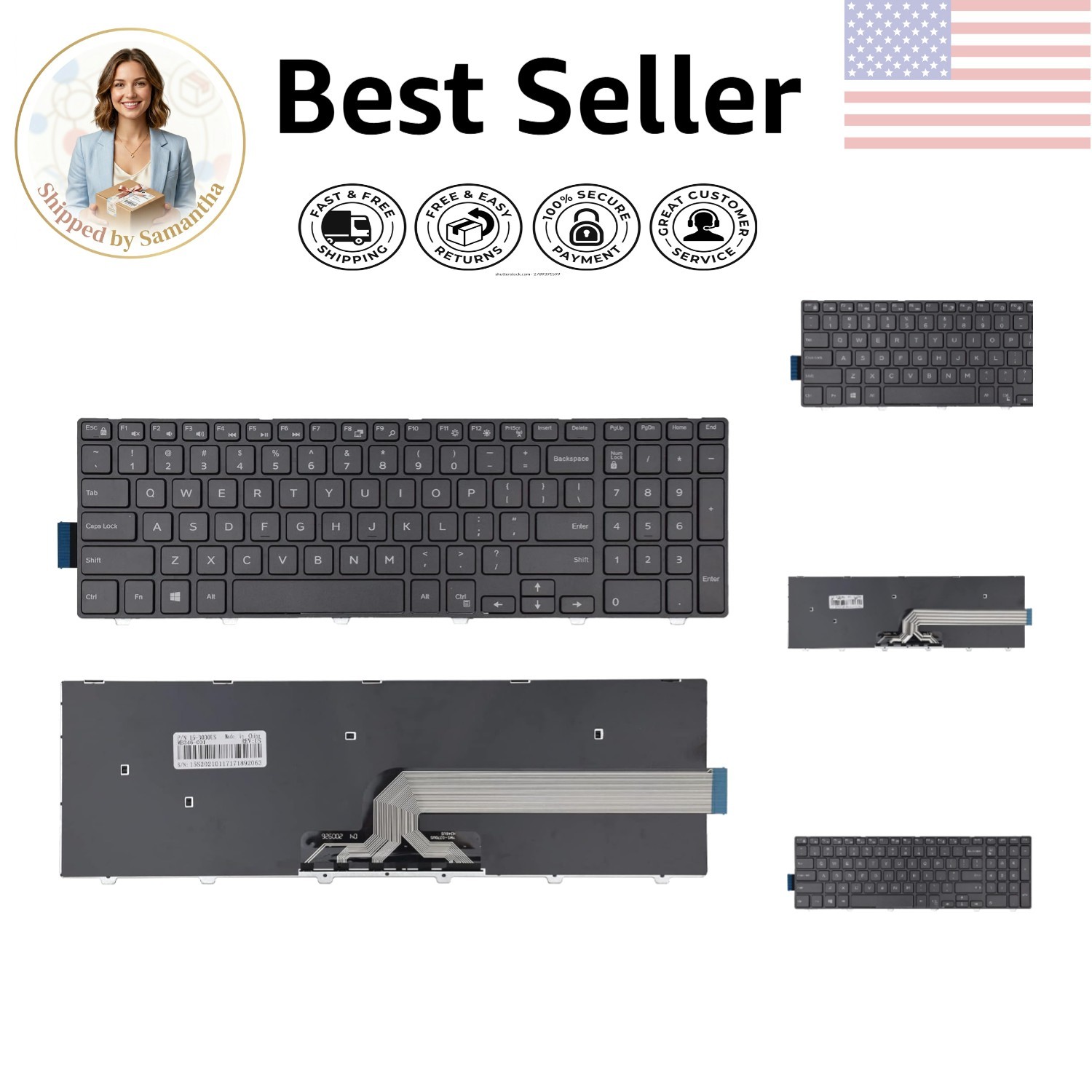
This keyboard is listed with USB in its title and carries an easy-installation phrase, which makes it stand out as a straightforward replacement option. The compatible models include Dell Inspiron 15 3000, 5000, and 7000 series, plus some Inspiron 17 5000, Latitude, and Vostro models. The layout is a black 51-button design with an ergonomic listing. If you are replacing a keyboard on one of those Dell models and do not need backlighting, this is a solid candidate. The main limitation is that backlighting is not included, and the same price applies to the other Dell replacement keyboard in this group.
Dell Laptop Replacement Keyboard - No Backlight
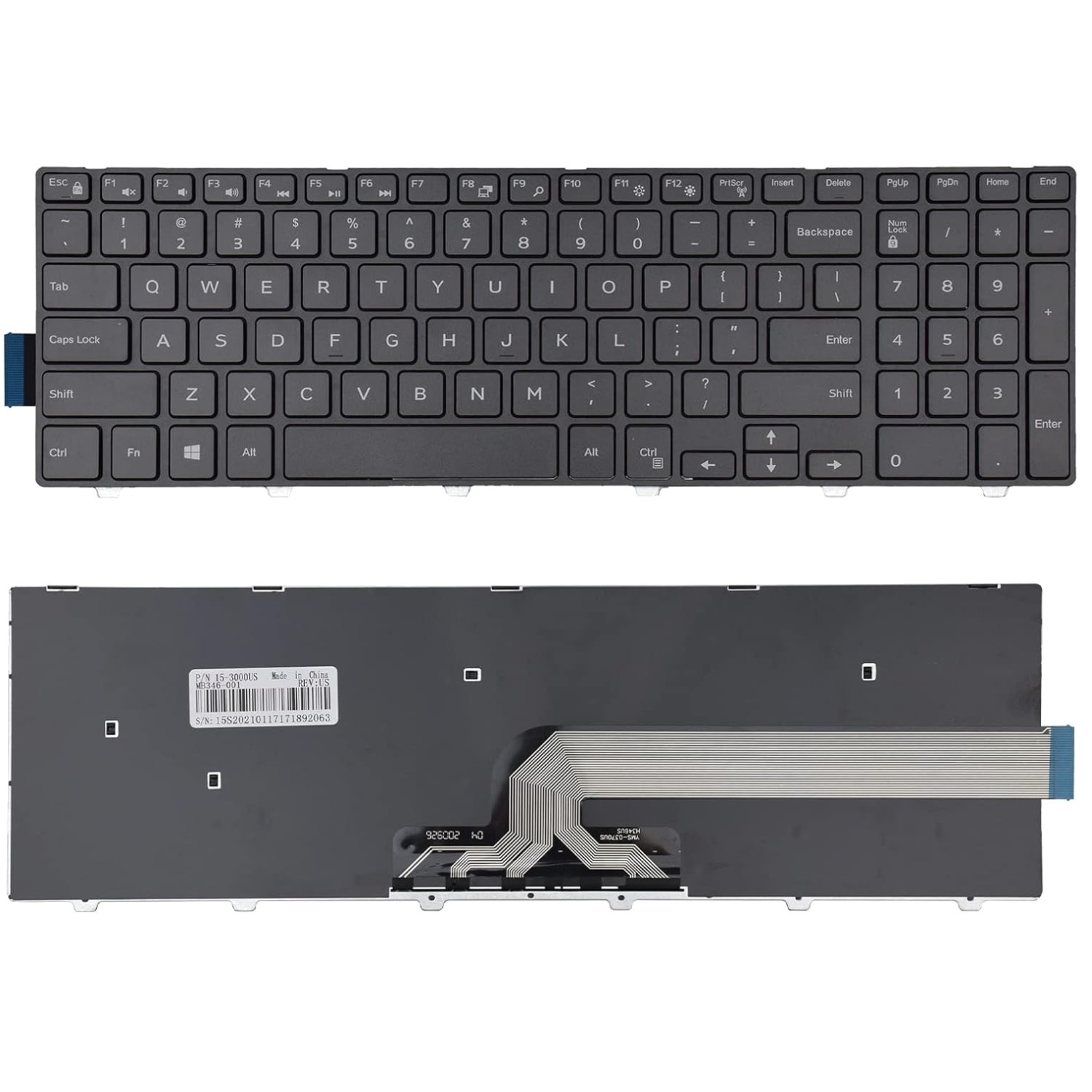
The noteworthy part of this keyboard is in its name: no backlight. If you already know you do not want backlit keys, this title tells you upfront. The compatibility list mirrors the other replacement keyboard, covering Dell Inspiron 15 3000, 5000, and 7000 series models, plus Inspiron 17 5000, Latitude 15, and Vostro 15 series. It also shares the same black 51-button ergonomic layout and ribbon-cable design. Choose this one when you want a replacement keyboard that makes the no-backlight feature obvious. The limitation is that there is no backlight option here, and the price is the same as the other Dell-compatible replacement keyboard.
Antec Easy USB "Connect 2 USB Peripherals To Front Of Computer" New Sealed 5.25
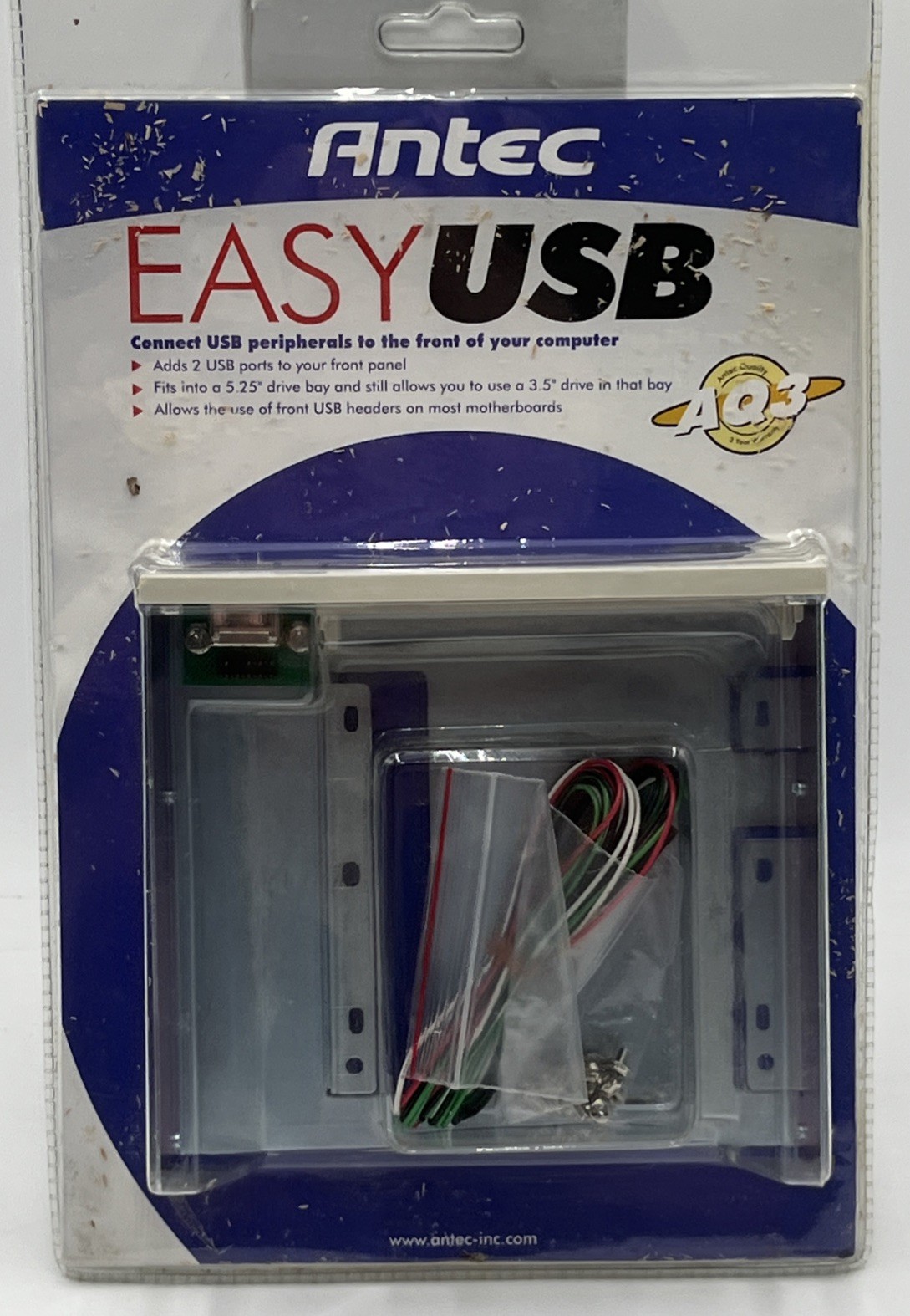
This is not a keyboard; it is a front-panel USB add-on built for a 5.25-inch bay. The product title says it can connect two USB peripherals to the front of a computer, and the compatibility attributes are listed as universal. It is a new, sealed item with a USB connector and a multicolor design. If your desktop has a 5.25-inch bay and you want quick access to USB ports, this is the only option in the group with that job. One detail to keep in mind is that some sawdust-looking residue may be inside the sealed package, possibly from manufacturing.
Logitech K350 Comfort Wave Wireless Keyboard with USB dongle tested Excellent
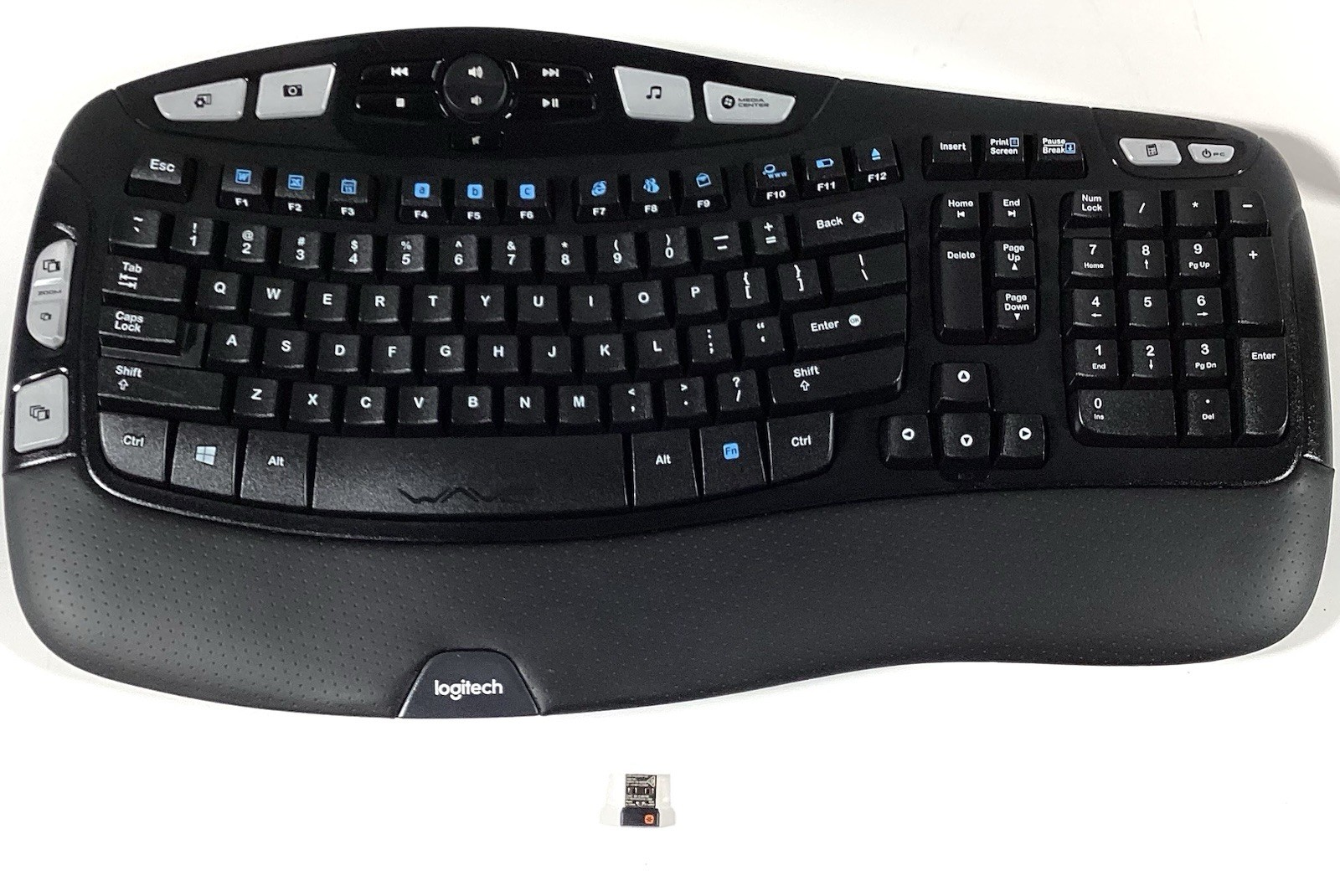
The Logitech K350 is the only wireless keyboard in this set. It comes with a USB dongle and lists multimedia integration, enhanced function keys, quiet keys, plug-and-play support, a Unifying USB receiver, and a palm rest. The layout is QWERTY with English-language keys. The title states it has been tested and found to be in excellent condition, but the condition is still listed as used. If you want a wireless, comfortable typing setup with extra keys, this is the one to pick. The watch-out is price and condition: it is the most expensive offering here and not a new item.
Final recommendation
Start with the job you need to solve. If you need a replacement keyboard for a compatible Dell laptop, either of the two lower-priced keyboards can work; compare the compatibility wording to your exact model. If you want a wireless desktop keyboard with extra controls, the Logitech K350 is the only wireless choice. If you want front USB access for a desktop with an open bay, the Antec Easy USB is the one built for that. Because these four products serve different setups, the right peripheral is the one that fits the machine and typing style you already have.